





 Order Track

CPU Cooler Price in Bangladesh 2026
Monarch IT, the premier CPU Cooler shop in Bangladesh, has updated its price list as of 08-10-2026. With a range spanning from ৳999 to ৳15,700, they offer 37 different products. Among these, 26 items are currently in stock, 0 of them with the best discount price.
 )
)
About CPU Cooler
Buy CPU Cooler at Best Price in Bangladesh
A CPU Cooler is an essential component of any Desktop build, ensuring stable performance by preventing overheating. Processors generate heat during operation, and an efficient cooling system is necessary to maintain performance, prevent thermal throttling, and extend hardware lifespan. Whether you're a gamer, DIY PC builder, or overclocking enthusiast, choosing the right CPU cooler significantly impacts your system’s efficiency.
Types of CPU Coolers Available in Bangladesh
In Bangladesh, CPU coolers come in various types including air coolers, liquid coolers, and hybrid solutions. At Monarch IT, you can explore a wide range from budget-friendly models to premium, high-performance cooling systems. With rising demand in gaming and high-end desktops, the CPU cooler market in Bangladesh is growing rapidly.
Factors Influencing CPU Cooler Prices
Several factors contribute to CPU cooler price differences:
-
Type of Cooler: Air coolers are more affordable, while liquid coolers come with advanced heat management and a higher price tag.
-
Material Quality: Copper baseplates and efficient heat pipes offer better heat dissipation but cost more.
-
Fan and Radiator Size: Larger fans (e.g., 120mm, 140mm) and high-efficiency radiators improve cooling and increase price.
-
Brand Reputation: Premium brands like Arctic, Noctua, Corsair, and Deepcool offer high durability and cooling performance.
-
Extra Features: RGB lighting, PWM control, and silent operation technologies contribute to higher prices.
Performance of Different CPU Coolers
CPU Air Coolers
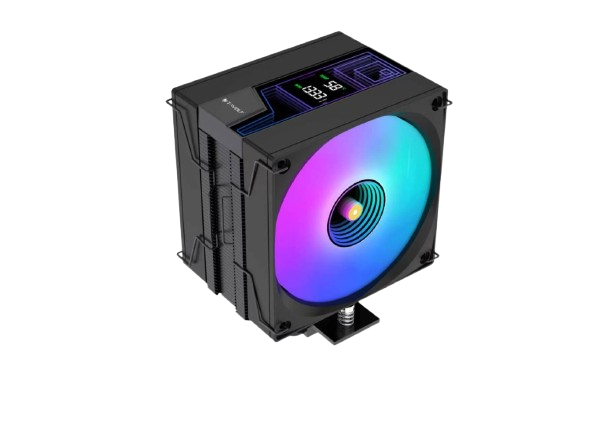
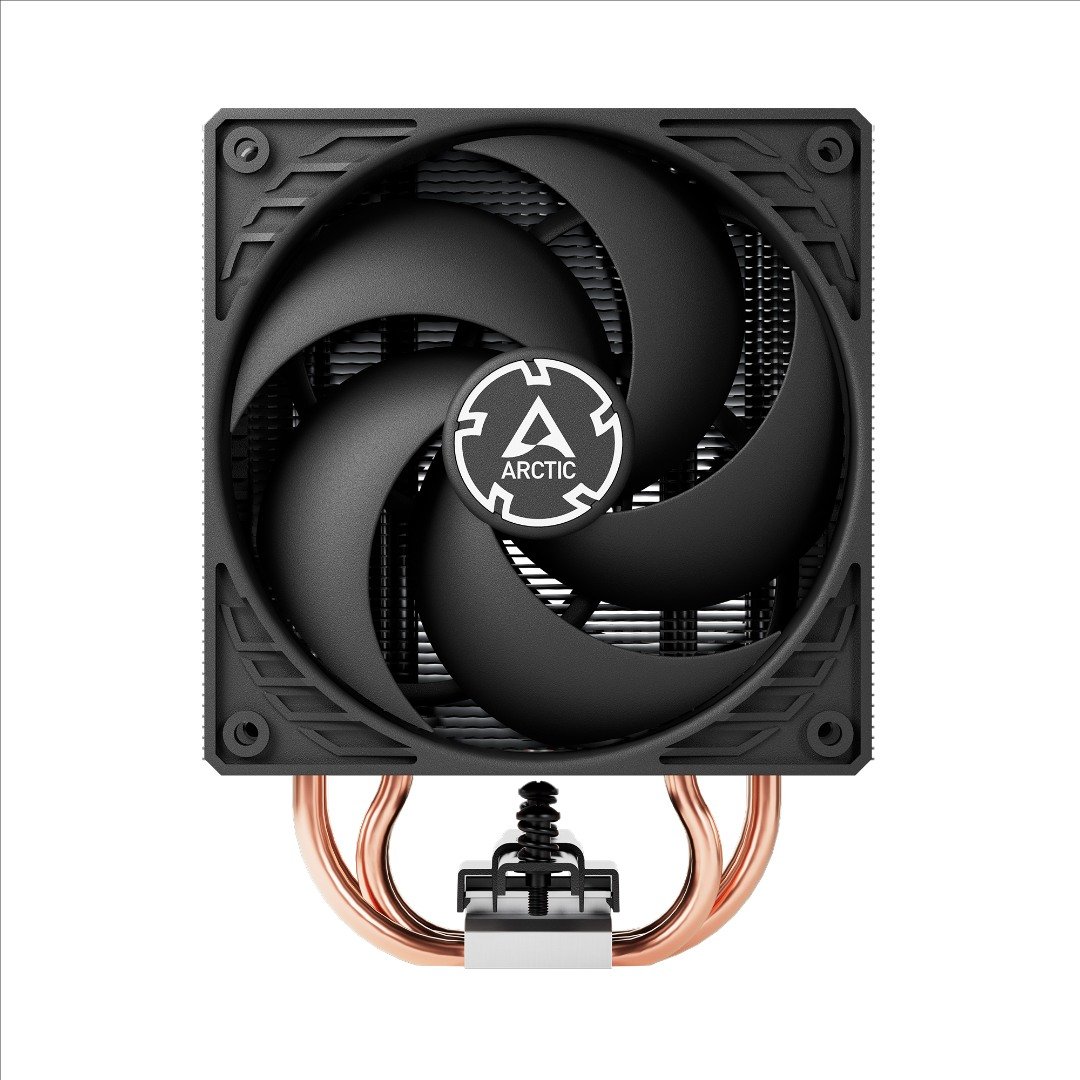
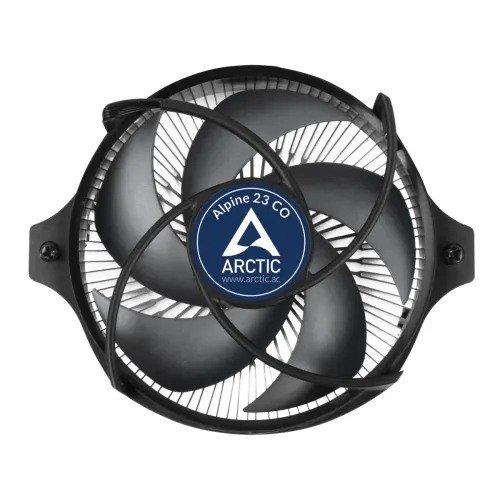
Air coolers use heat pipes, metal fins, and fans for heat dissipation. They are the most common and economical option.
-
C & U-Type Heat Pipes: C-type is great for low-clearance PC Cases, while U-type supports more fins for superior cooling.
-
Single vs. Dual Tower: Dual tower coolers offer better dissipation but are bulkier.
-
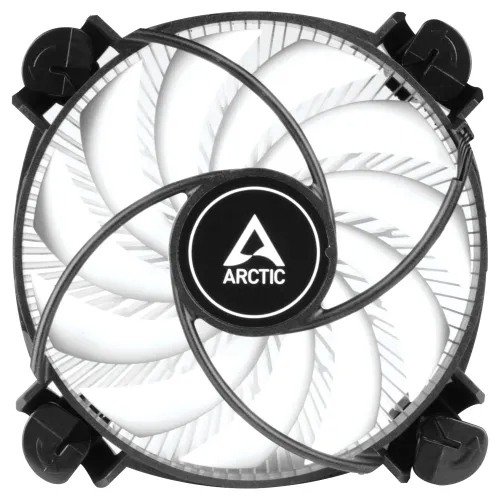
Low Profile Coolers: Perfect for SFF builds or compact components.
CPU Liquid Coolers
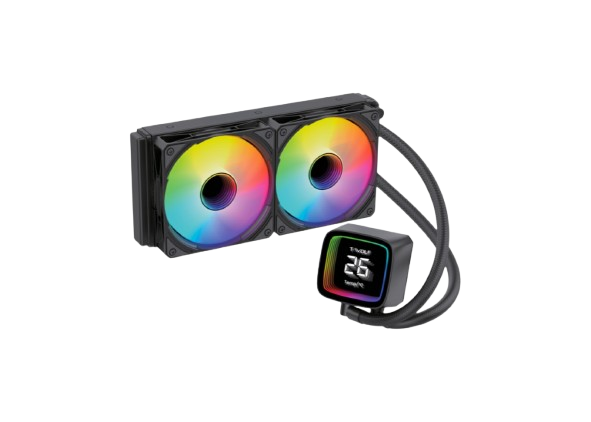
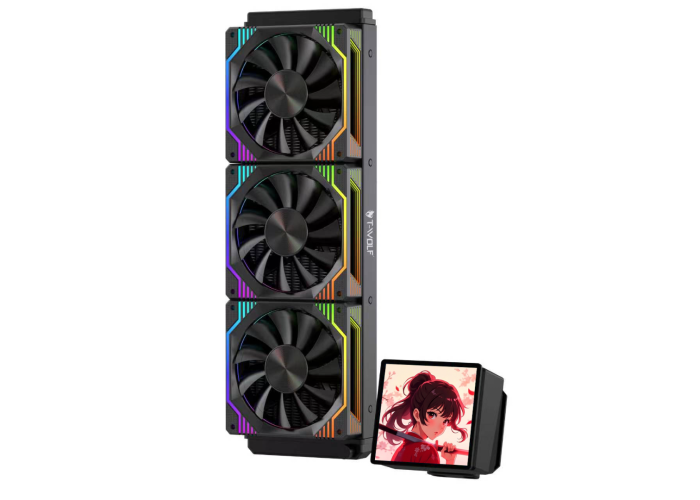
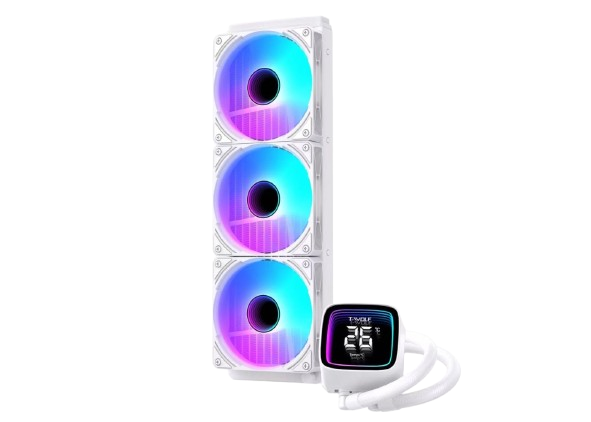
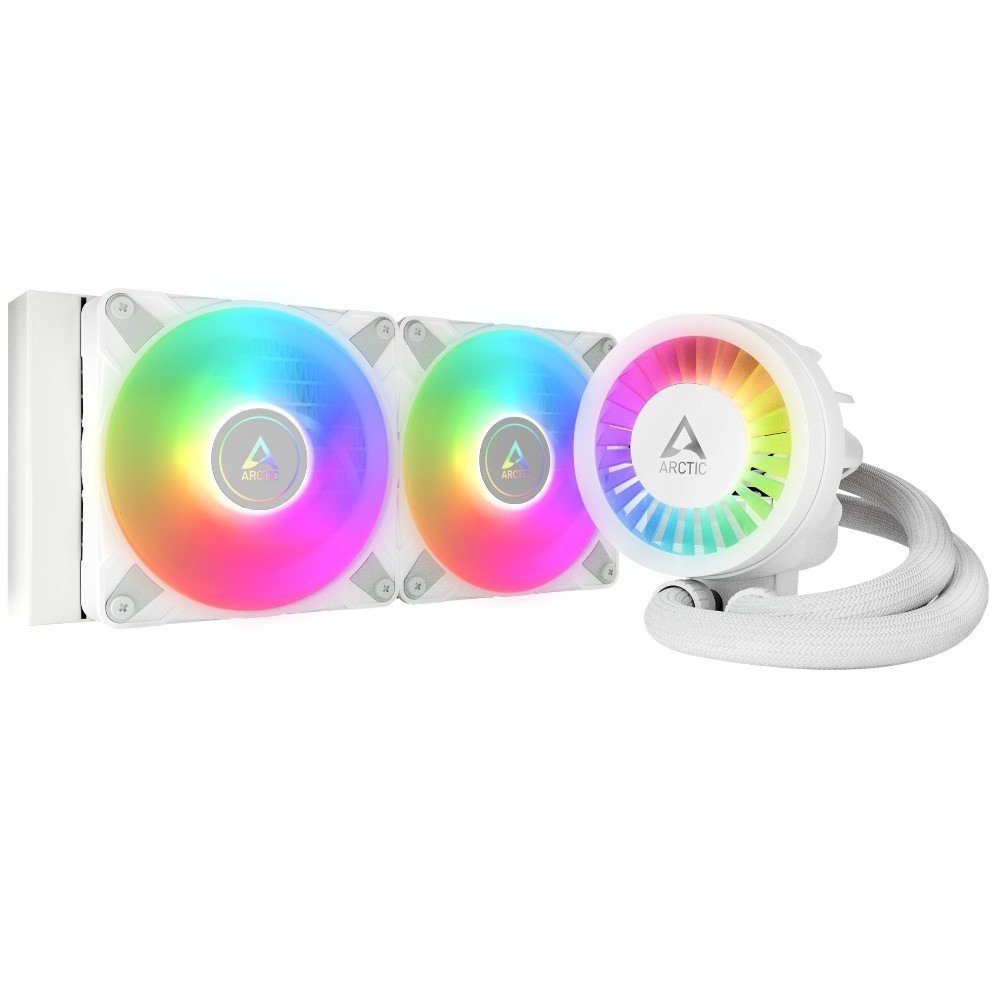
Liquid coolers use pumps, radiators, and fans for superior cooling.
-
AIO Liquid Coolers: Pre-assembled and easy to install. Ideal for gamers and streamers.
-
Custom Cooling Loops: For enthusiasts looking for top-tier performance and aesthetics.
Top CPU Cooler Brands in Bangladesh
Monarch IT offers top brands like Arctic, Noctua, Cooler Master, Corsair, Deepcool, Lian Li, MSI, Gigabyte, Antec, Thermaltake, COUGAR, and EKWB — all compatible with popular Motherboards, RAM, and GPUs.
CPU Cooler Price in Bangladesh
-
Air Coolers: 1,500 BDT – 6,000 BDT
-
AIO Liquid Coolers: Start from 4,000 BDT for single-fan, 6,000 BDT+ for dual-fan
-
Custom Water Cooling: Varies by configuration
Where to Buy CPU Coolers in Bangladesh
Visit Monarch IT, Bangladesh’s most trusted tech store, for authentic CPU coolers at competitive prices. Shop online for home delivery or visit our Dhaka stores. Utilize the PC Builder tool for optimized system pairing.
How to Maintain Your CPU Cooler
Keep your cooler running efficiently:
-
Clean Regularly: Dust heatsinks and fans every 3-6 months using compressed air.
-
Reapply Thermal Paste: Every 1–2 years with a quality paste.
-
Monitor Fan Speeds: Use apps like MSI Afterburner or HWMonitor.
-
Check Mounting: Ensure proper installation to prevent thermal inefficiencies.
-
Replace Worn Fans: Avoid noisy or inefficient cooling.
Frequently Asked Questions (FAQ)
Q1: What is the difference between air and liquid coolers?
A: Air coolers use metal fins and fans; liquid coolers use coolant and radiators. Liquid coolers are more efficient but pricier.
Q2: Which CPU cooler is best for gaming?
A: AIO liquid coolers for high-end builds; dual-tower air coolers for mid-range gaming PCs.
Q3: Do CPU coolers include thermal paste?
A: Yes, most come with pre-applied or bundled thermal paste.
Q4: How do I know if a cooler fits my PC Case?
A: Compare the cooler’s height with your case’s clearance specs.
Q5: How often should I clean a CPU cooler?
A: Every 3-6 months to maintain airflow and performance.
Q6: Can I install an AIO cooler in any case?
A: Not all cases support radiators. Check your case's specs.
Q7: What is the lifespan of a liquid cooler?
A: Typically 5-7 years with proper care.
Q8: Is a liquid cooler better for Ryzen?
A: Yes, especially for overclocking. However, a good air cooler can also suffice.
Q9: Best budget CPU cooler under 3000 BDT?
A: Arctic Freezer 7 X and Cooler Master Hyper 212 Black Edition.
Q10: Does a CPU cooler improve gaming performance?
A: Yes, by preventing thermal throttling and maintaining consistent FPS.